
TK11 App for Responsible Gaming
The TK11 App helps you stay in control with simple limits and smart safeguards. From Dhaka to other parts of Bangladesh, you can set practical boundaries to keep focus and enjoy a safe, smooth experience. Start with TK11 App today and take the first step toward mindful use.
TK11 App Limits for Balanced Play
Setting sensible limits is the first line of defense. With the TK11 App you can cap daily activity up to ৳1,000 and keep a practical time window, like 60 minutes per day. This keeps momentum steady and helps you stay on track, especially for users in busy cities like Dhaka. It also keeps your balance manageable so you can enjoy the moment without overspending.
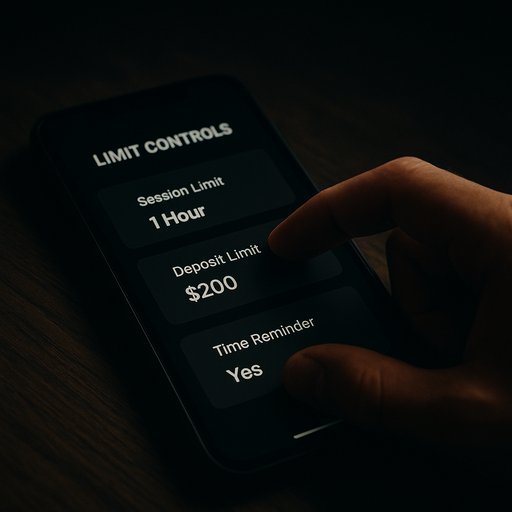
- Custom daily spending cap in৳
- Daily time reminder to pause
- Simple adjustments any time
- Works with local services like bKash, Nagad, and Rocket for balance tracking
Self-Exclusion Tools
Sometimes you want a clean break. The self-exclusion tools let you pause access for a chosen period, from 24 hours up to several weeks. This feature is ideal during busy periods in Dhaka or when you’re traveling in Bangladesh and want to reset your rhythm. It’s easy to resume when you’re ready, with guided restores.
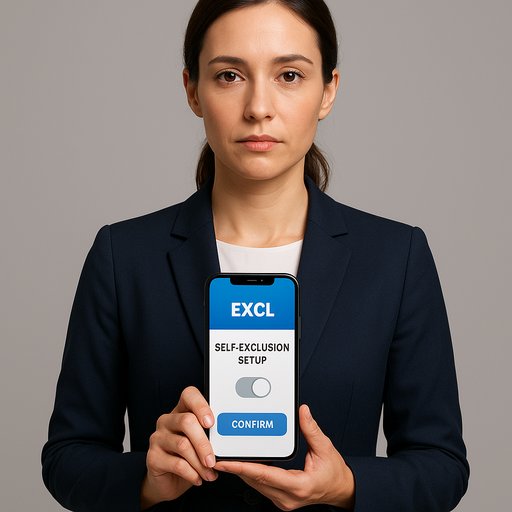
- Pre-set durations: 24h, 7d, 30d
- Custom periods available
- Clear resume options when you’re ready
- Respectful reminders to help you stay on track
TK11 Tools for Safer Use
Smart tools make safer usage effortless. Time alerts, balance tracking, and activity insights help you stay aware of how you’re using the app. In Dhaka and beyond, these features empower you to decide with clarity and confidence. The app also recognizes local payment methods like bKash, Nagad, and Rocket to reflect your real balance without surprises.
- Usage dashboards show time spent and balances
- Custom alerts when thresholds approach
- Notes and reminders to keep you in control
For quick access, see our TK11 Download page or learn more at the TK11 FAQ section. If you need direct access, the TK11 Login area keeps you ready to continue when you’re set.
How the TK11 App Works
Install the TK11 APK on your Android device and follow three simple steps to get started. First, set your limits and the period you want to cover. Next, enable self-exclusion options when you need a break. Finally, check the activity log to review progress and adjust as needed.
- Install TK11 APK on your device
- Configure personal limits and reminders
- Engage self-exclusion when needed and review activity
Bangladesh users in Dhaka often rely on local wallets to track app balance, which keeps spending visible and controlled. Learn more about the responsible features to keep your rhythm steady.